You already know this feeling. Forty-three new emails sitting in your inbox, and you're tired before you've opened any of them.
It isn't the reading that wears you down. Each one takes a second. It's what comes after every single thread. You jump to Calendar to check a slot. You jump to Jira to file a bug. You tab over to GitHub to see if the PR is green. You come back. You draft. You send. Then the next email. And the next.
The second brain you keep alive while processing email is the actual work. Reading was never the work.
AI-native email isn't a feature. It's a one-way door. Once an agent inside the inbox can read, decide, and act, the older shape doesn't come back. FiloMail 2.0 is the door we've been building toward, and today, it opens.
It's live everywhere. Desktop on macOS and Windows, iOS, Android, and on the web. Pick whichever fits your day at filomail.com. One agent, one conversation, every surface you already own.
Day one of an agentic inbox isn't going to be perfect. There are still rough corners we'll be smoothing every week, and the fastest path to a fix is you telling us what feels off. We're listening, right inside the app.
Here's what's actually different from the moment you open it.
A morning briefing that you design, not one we ship
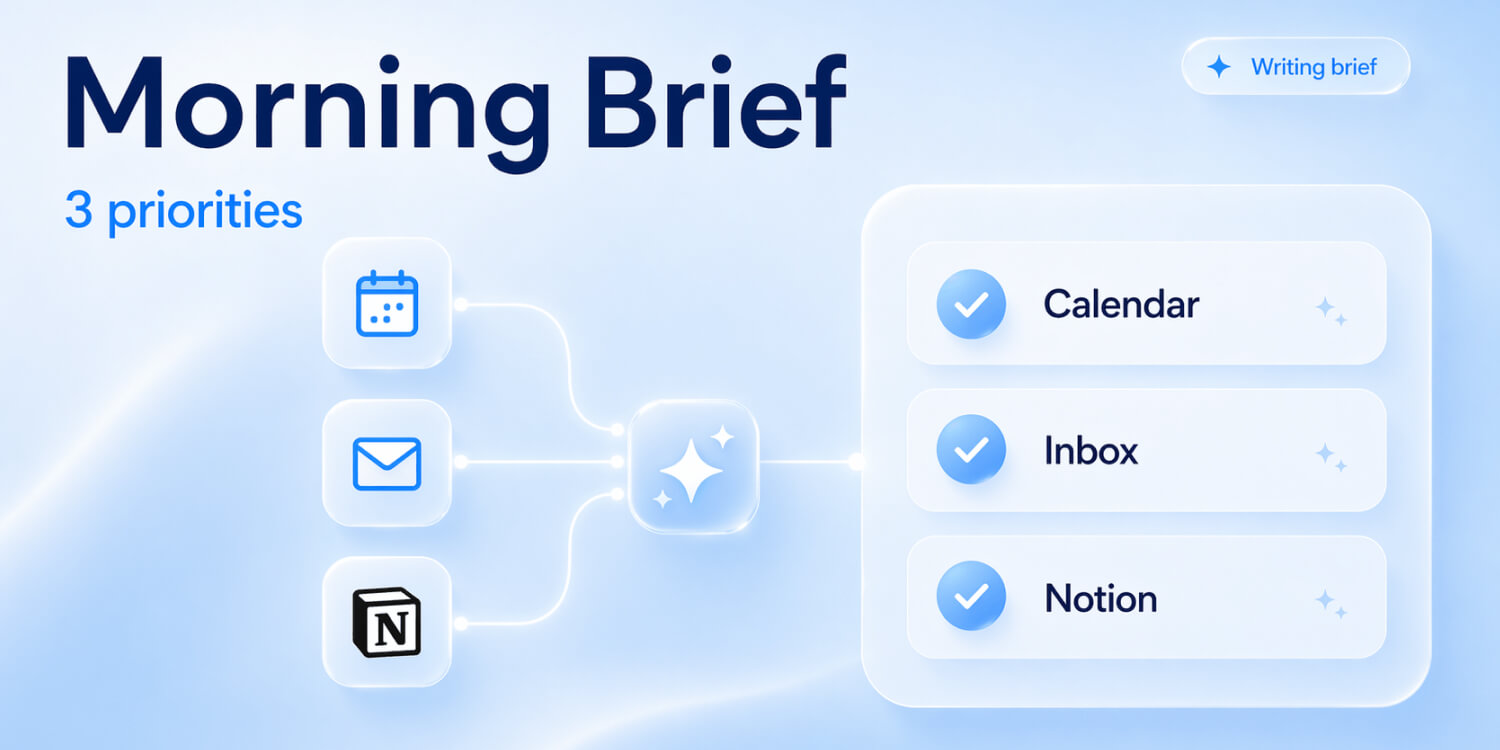
It's 8:14 in the morning. You open FiloMail. The first thing you see isn't a list of bold subject lines. It's a conversation:
"Twenty-three new since last night. Fourteen are newsletters, already grouped. Four want a decision from you. Five are still waiting on your reply."
Here's the part screenshots never tell you. That briefing isn't a template we shipped. You designed it.
Filo Agent is your personal assistant first, and the way it runs your morning is a conversation. You tell it what you want, in plain English. "Every morning at 8am, before I touch the inbox, summarize what came in overnight. Group newsletters separately. Flag anything from a paying customer. Keep the whole thing under ten lines, and skip the GitHub digest noise." Filo asks back if anything's unclear, then sets a trigger: a scheduled task that runs that exact briefing for you every morning, automatically, in your voice.
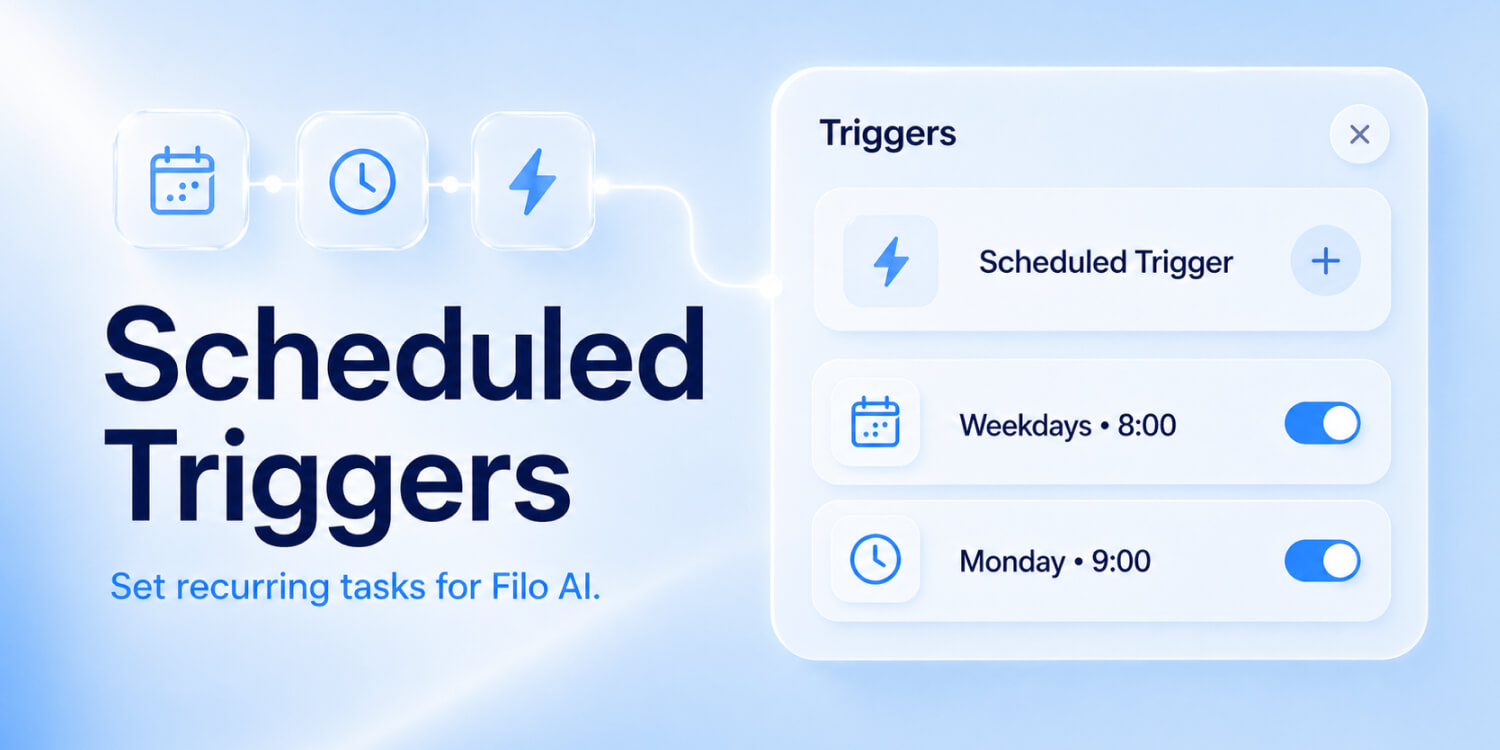
Triggers are the layer underneath every recurring thing Filo does for you. Tell it "at 6pm, summarize what I need to act on tomorrow," and that wind-down arrives every evening. Tell it "every two hours, check the Jira tickets assigned to me and ping me if anything has escalated," and it watches in the background while you focus. Or ask it to draft your weekly recap from your sent emails and closed tickets every Friday afternoon, and you stop having to remember. You describe what you want, the way you'd brief a real assistant. Filo runs it on time, every time.
The morning briefing is just the most-asked example. The pattern is the product. Describe it once in conversation, have it forever. That quiet superpower runs through every corner of FiloMail 2.0.
How Filo Agent learns the way you work
Setting a trigger is one shape of telling Filo what you want. The same conversational layer is how you teach the agent everything else about you.
There's no settings panel for the agent. You just talk to it. "Don't push newsletters at me, but always wake me for payment alerts from Stripe." "Default to a warm-but-brief reply tone for customer emails." "Treat anything from my co-founder as urgent." Filo carries those instructions forward. Next morning. The morning after. The week after.
It's the part of 2.0 that took the longest to feel right, and the part you stop thinking about fastest, because it just works.
Once Filo knows how you work, that knowledge moves with you. To every mailbox you connect.
One agent for every mailbox: Outlook today, the rest very soon
For most of FiloMail's life, we were a Gmail story. Today, that story opens up.
Outlook is the first non-Gmail mailbox you can plug into FiloMail 2.0, and it isn't the last. iCloud, Yahoo, custom IMAP. They're already queued for upcoming releases. Sign-up itself is opening up too. Gmail is no longer the only door into FiloMail, and more auth methods are landing on the same cadence.
What matters more than the list is what happens when you add one. You're not bolting another inbox view next to the old one. You're putting that mailbox under the same agent. The same Filo that summarized your Gmail thread will draft and send from your Outlook account in the next message. Every trigger you've set, every preference you've taught Filo, every MCP tool you've connected, all of it applies to every mailbox you own.
A unified inbox is table stakes. A unified agent across every mailbox in your life is where FiloMail 2.0 starts to feel like nothing you've used before.
Move a meeting without ever opening Google Calendar
The agent doesn't just summarize. It does.
A "can we move Tuesday to Thursday?" email lands. Filo checks Google Calendar, sees Thursday 2pm is free, drafts the reply, and queues the calendar update for you to confirm. One tap and the meeting is moved. The reply goes. The invite reschedules. Both sides see it.
You never opened Calendar. The thread did the whole thing.
The same loop carries into tools that don't normally talk to email at all.
File a Jira ticket from a customer email, in one motion
If customer email is part of your job, you'll recognize this one.
A customer bug report lands on a Friday night. The kind of email that used to drag the rest of your evening with it.
Filo extracts the feature, the build, and the error. It opens a Jira ticket in the right project, suggests an owner based on who's closed similar tickets before, and drafts a calm reply with a real ETA. A few taps to confirm and the ticket is filed. The Jira link drops back into the thread. The customer has their answer.
You close the laptop. Ten minutes total. Not a single tab opened.
Code review threads run on the same loop, with one extra layer. The agent reads the code first.
Check a GitHub pull request before you hit reply
If you spend your day in code reviews, here's where 2.0 lands hardest.
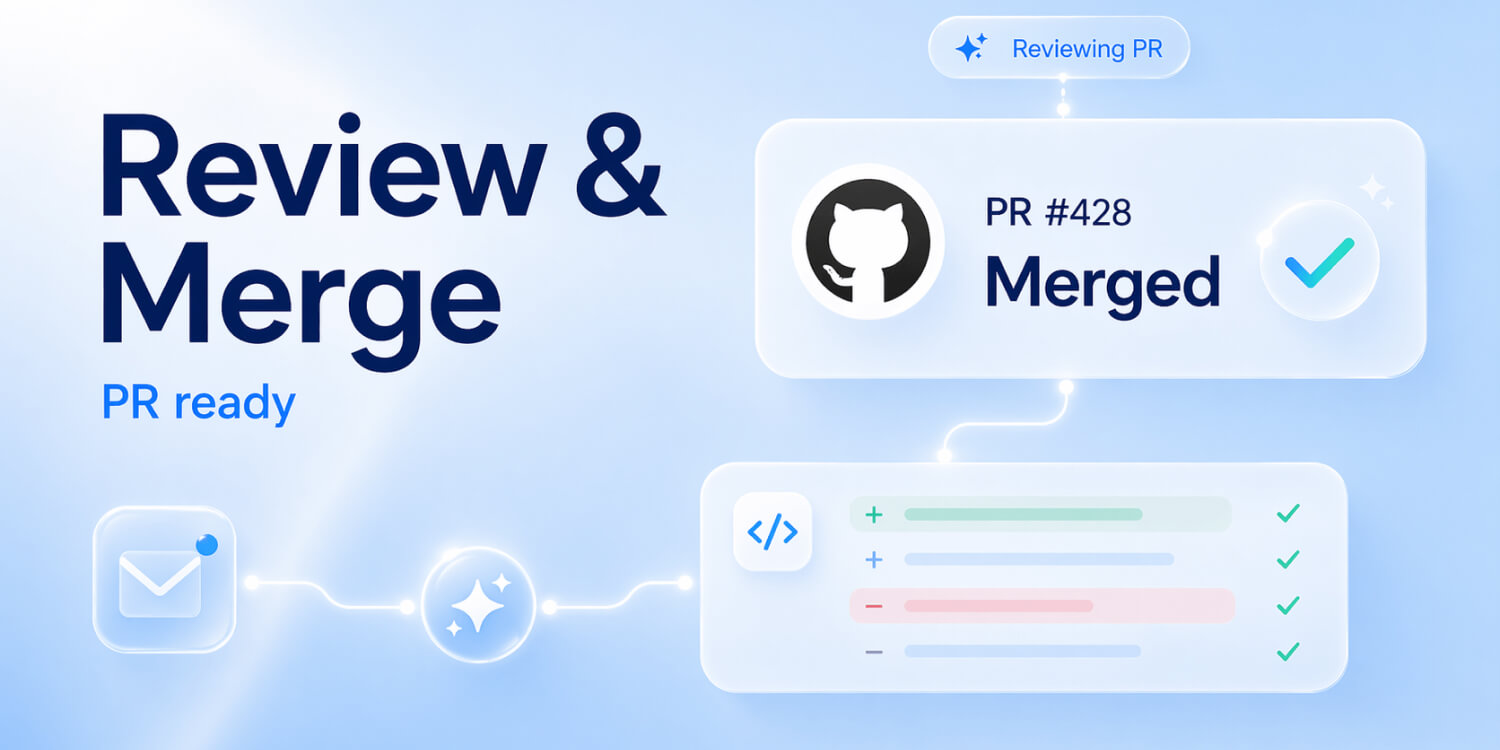
A reviewer pings you about PR #2391: "Is this one ready? Production is blocked."
Filo checks the repo, reads the PR (CI green, last commit twenty minutes ago, one unresolved comment from a teammate), and drafts the actual answer: "Ready to merge. The unresolved comment is addressed in commit abc123. Want me to merge it?"
Approve. Send. Merge. The reviewer has a real answer in the time it would have taken you to switch tabs.
Connect any tool to FiloMail 2.0 with MCP
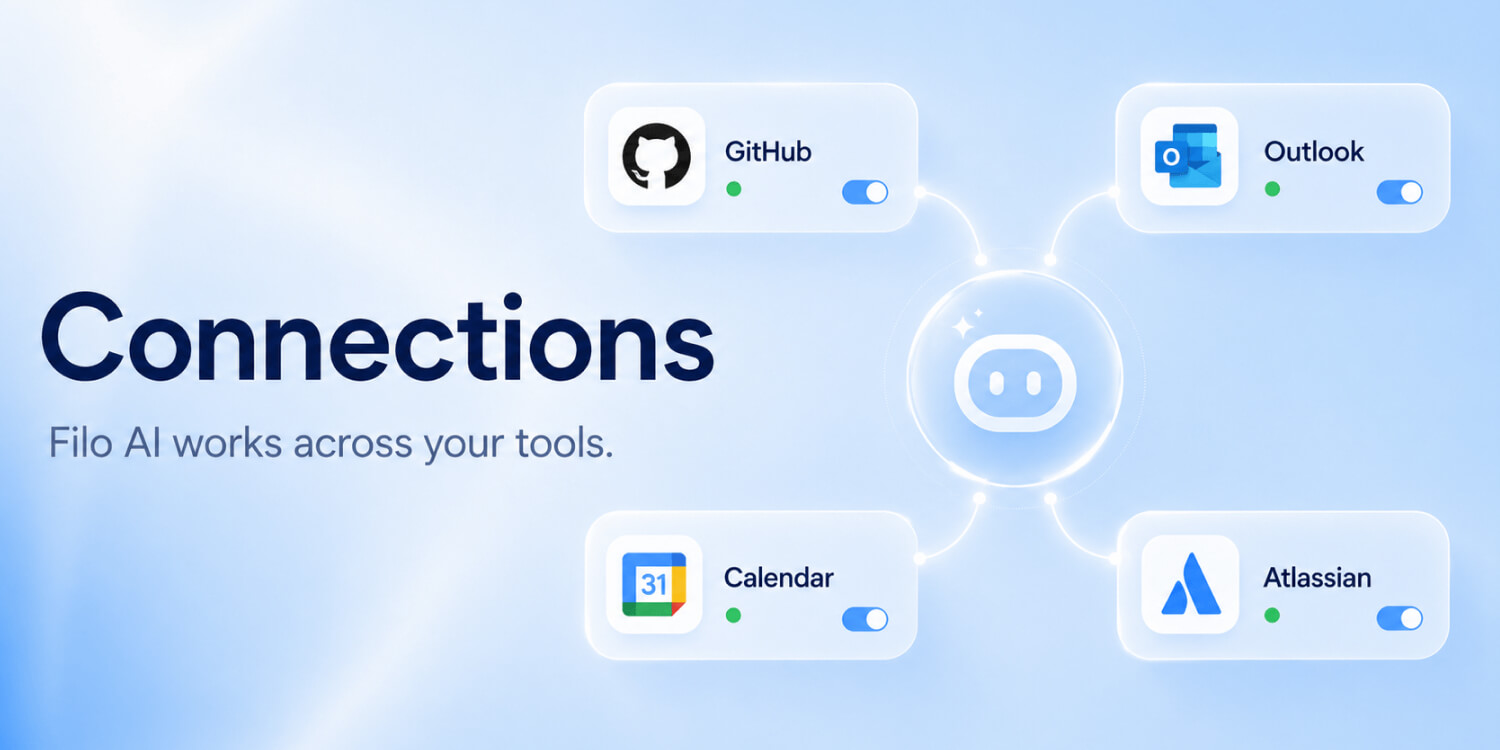
Calendar, Jira, GitHub. The list of tools your inbox can reach grows fast in 2.0, but we never wanted that list to depend on us shipping integrations one by one.
So FiloMail 2.0 speaks the Model Context Protocol, the open standard for connecting AI agents to external tools. Point Filo at any MCP server, whether it's Slack, Notion, App Store Connect, or your own internal API, and the agent can call it as part of any conversation or trigger. The toolset grows as fast as the protocol does. Anyone can build a connector. You can plug it in.
That's a lot of new power flowing through your inbox. Which is exactly why the next part matters most.
Filo does the work. You keep the keys.
The reason any of this works is trust. An agent that surprises you with actions you didn't ask for is an agent you'll abandon by Wednesday. So Filo never forgets a simple rule: the inbox belongs to you.
Anything sensitive pauses and asks. Anything irreversible waits. You decide what gets sent, what gets filed, what gets deleted. Filo handles the work. You hold the keys.
The serious safety guarantees are real and complete. Your email is never used to train any model, ever. Full audit trail on every action. The boring checklist work was done so the experience on top can feel weightless.
What stays with you, day after day, is the feeling that the second brain you've been carrying for years finally gets to put itself down. Mornings start with a briefing instead of a backlog. Threads close themselves before lunch. Friday nights belong to Friday nights again.
That is the inbox we set out to build.
Open it once and see for yourself
If you've read this far, you already know the inbox you're tired of.
So open FiloMail. Update the app if you haven't yet (every platform has 2.0 ready and waiting for you), and the next time mail arrives, just watch. Notice what doesn't happen anymore. The tab switching. The second-screen searching. The minutes you used to spend translating a thread into your next move.
This is the version of FiloMail we've been chasing for years. It runs on every device you already own. It's day one, so a few corners are still raw. Every Friday is a new build, and the loudest signal we follow is what users tell us right inside the app. Yours included.
Email gets to feel like a place you visit. Not a job you survive.
See you in your inbox. It's a conversation now.
Growth Lead at FiloMail